Income and expense tracker
Type purchases, bills, salary, or freelance payments in plain language and save them as searchable, editable ledger entries.
Private expense and net worth tracker
Track income, expenses, savings, cash, bank accounts, e-wallets, and investments in one personal finance app. Use plain-language notes, voice capture, or receipt review—without connecting your bank.
Know what came in. See where it went. Understand what you have now. Pocket Ledger keeps expense tracking and net worth clear without bank linking.
App preview
What it does
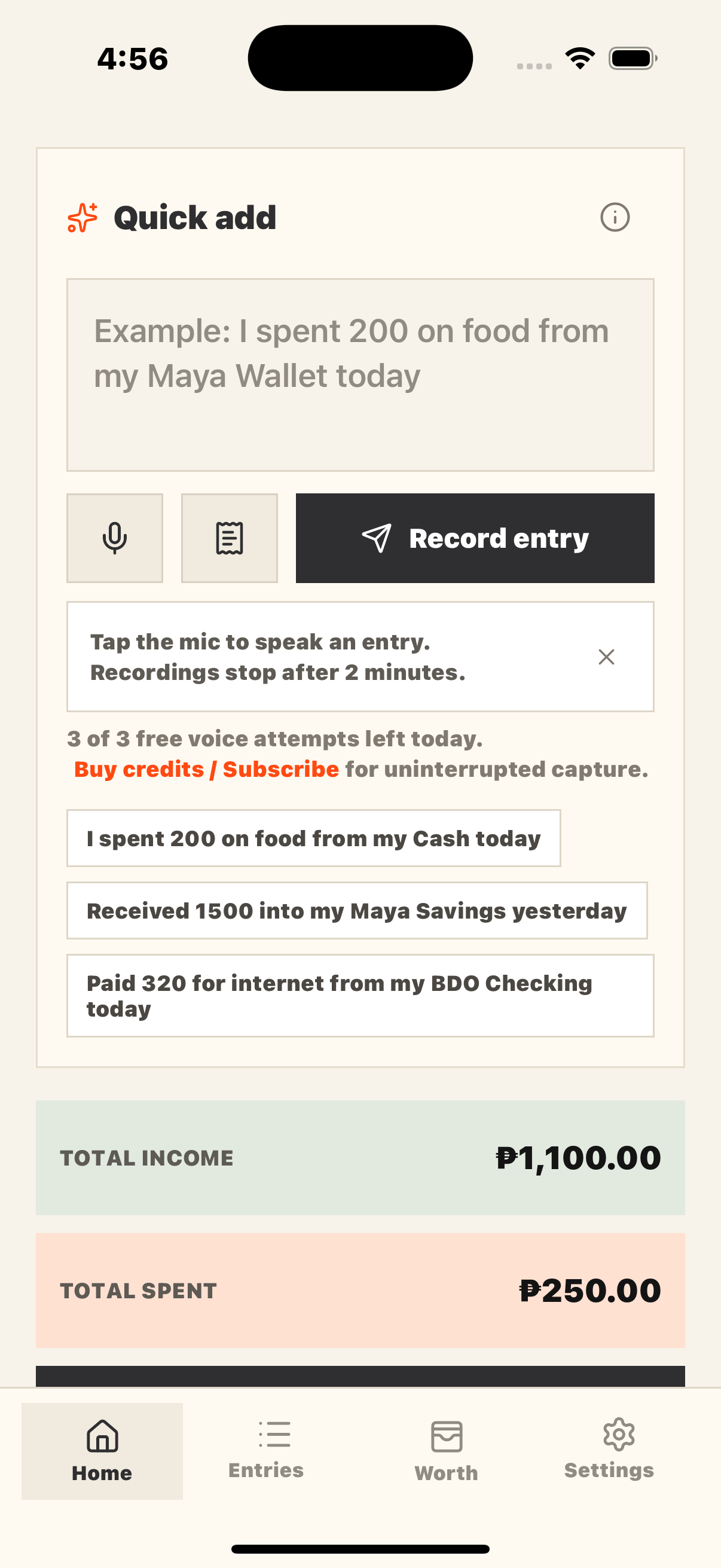
Type purchases, bills, salary, or freelance payments in plain language and save them as searchable, editable ledger entries.
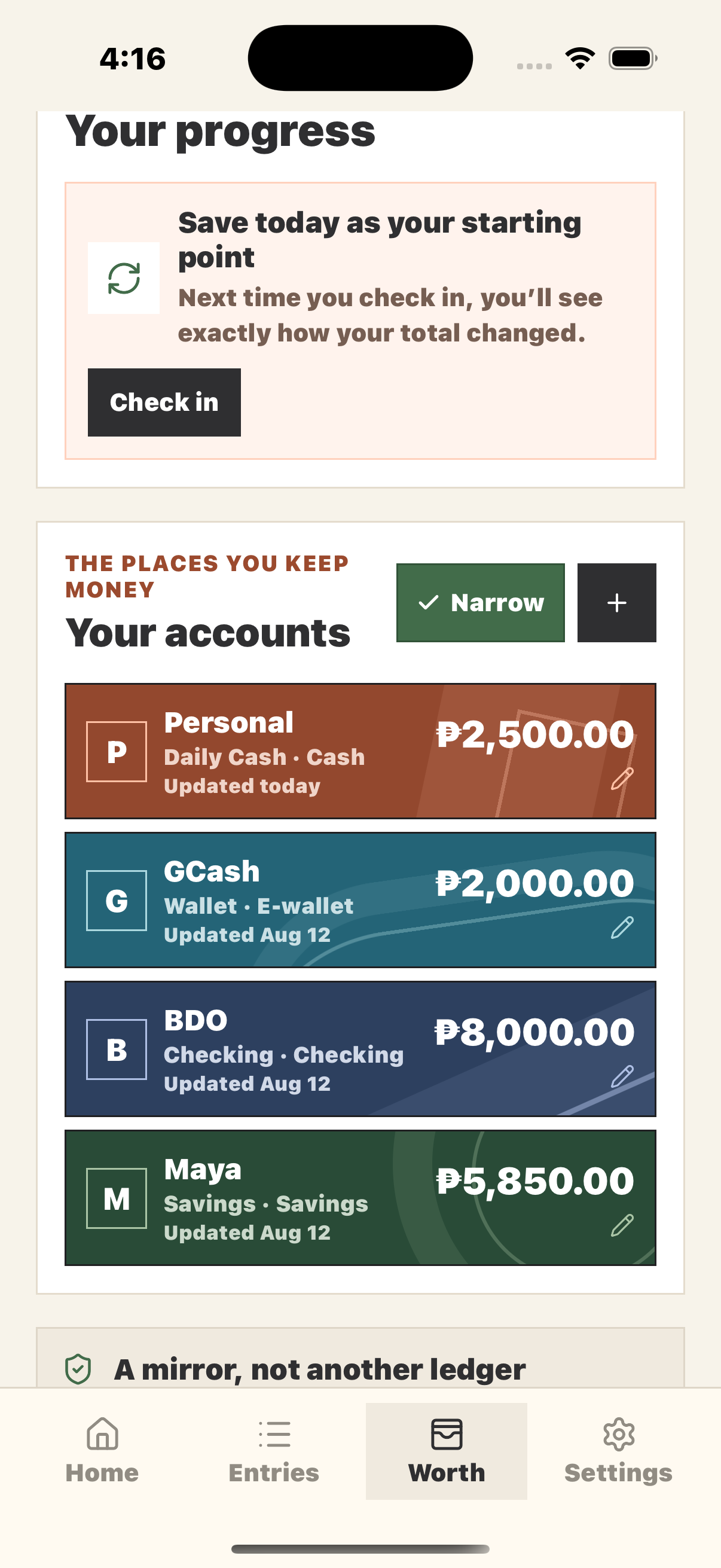
Organize savings, checking, e-wallet, cash, investment, and other accounts in original card-inspired designs to see your combined Worth.
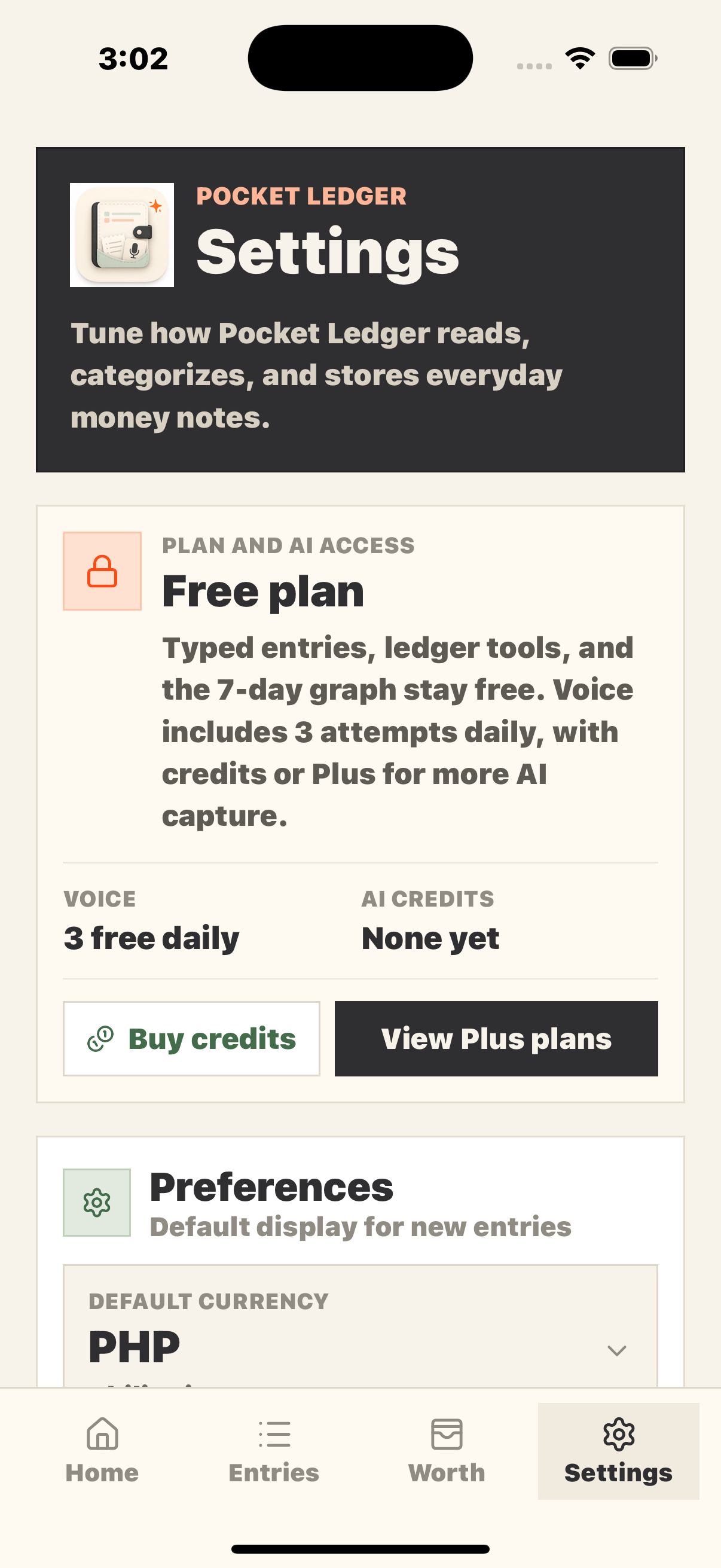
Use typed Quick Add, three free voice attempts each day, or optional AI credits and Plus for more voice and image capture.
Scan receipts, bills, transactions, or visible bank balances, then review the suggested entry or account update before saving.
Name an exact Worth account in your note to save both views together, or choose the receiving or paying account when asked.
Save dated Worth baselines and follow how your total changes alongside the income and spending recorded afterward.
Hide balance values for privacy or turn on Narrow view to fit more account cards into a progress screenshot.
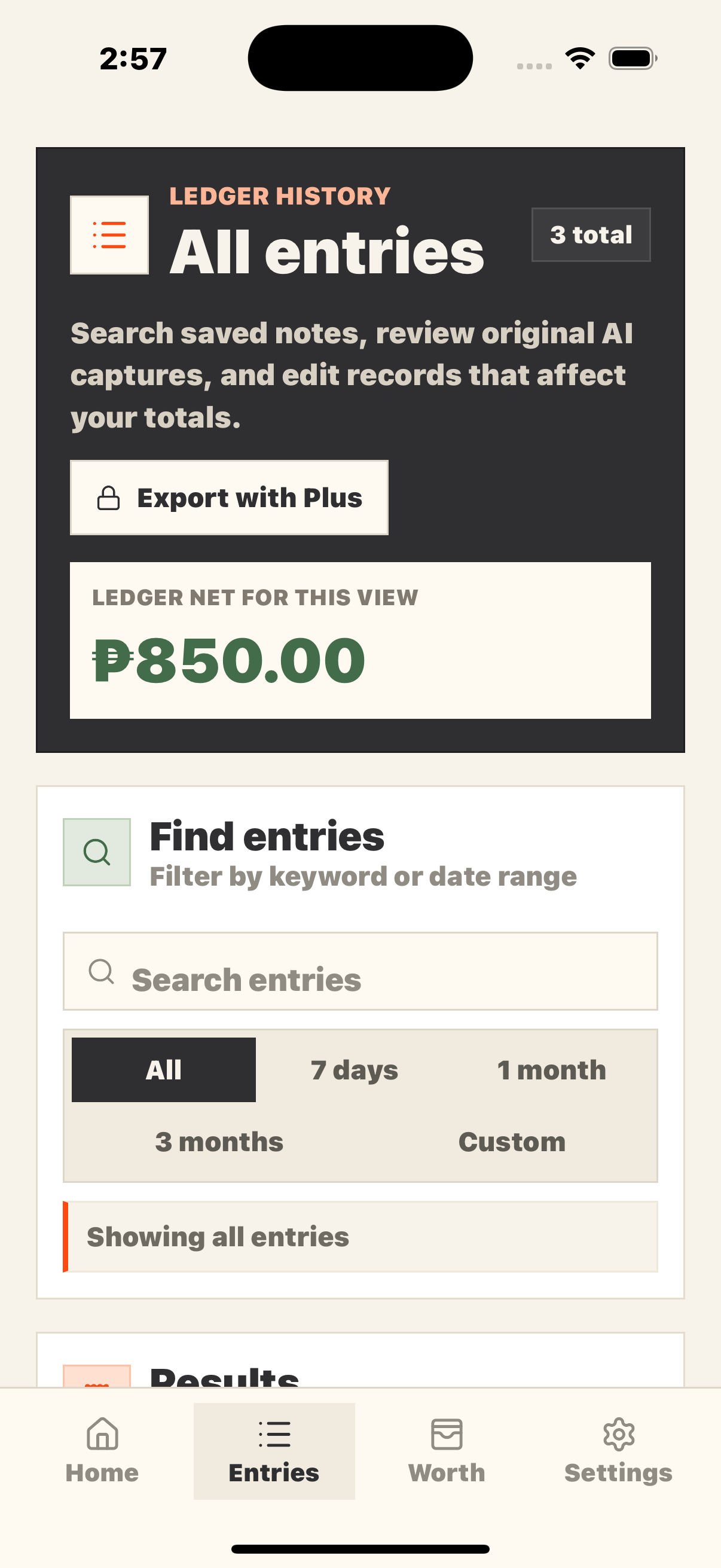
Search notes, filter preset or custom dates, edit or delete entries, and customize categories, currency, and a daily reminder.
One connected money picture
Income and spending totals answer what happened during a period. Worth totals the current values of the accounts you choose to track. Assign ledger entries to those accounts and save money check-ins to keep both views easy to compare.
Add everyday transactions by typing, speaking, or reviewing a supported receipt or financial image.
Name an exact Worth account for an automatic match, or select the account that received income or paid an expense when asked.
View manually entered savings, cash, bank, e-wallet, and investment balances in original card-inspired designs, with optional hidden values and a Narrow layout.
Capture a dated net worth snapshot and compare current balances with the income and spending recorded since that check-in.
FAQ
No. Pocket Ledger is a private, manual expense and net worth tracker. It does not connect to banks, move money, provide loans, or offer financial products.
Worth is the combined current value of the savings, checking, e-wallet, cash, investment, and other accounts you choose to add. It gives you a manual net worth snapshot without asking for bank logins or account numbers.
Income and spending describe money recorded during a selected period. Worth answers a different question: what do your tracked accounts hold right now? A money check-in gives Pocket Ledger a dated baseline so it can compare current Worth with later ledger activity.
Ledger entries, Worth accounts, account values, money check-ins, and settings are stored locally on your device. Protected AI access uses a server-side allowance and credit ledger tied to an anonymous app purchase identifier. AI features only process the text, voice, or image you choose to submit.
Free users can add typed entries, organize Worth accounts, save money check-ins, view summaries, top spending, and the 7-day cash flow graph, search and filter the ledger, edit or delete records, customize categories and currency, set a reminder, and start 3 voice attempts each day.
AI credits are one-time packs for extra voice attempts or image scans. One credit is reserved when AI processing starts, even if no entry is found or you discard the result. Purchases and balances are verified by the server. Plus users keep their balance while Plus is active.
Pocket Ledger transcribes a valid money note and matches the Worth account you name. If one exact account is found, the ledger and Worth save together; otherwise, you choose the account first. Recordings show a countdown and stop after 2 minutes. An attempt counts toward the 3-per-day free allowance, or uses a credit after that allowance, when transcription starts.
Plus includes unlimited saved voice captures and image scans, Excel export, and access to saved source text or scan summaries. Free ledger features, including the 7-day cash flow graph, remain available without subscribing.
Monthly and yearly Plus plans renew automatically through the App Store or Google Play until canceled. Manage or cancel the plan in your store subscription settings. Plus remains active through the paid period, and Restore purchase can refresh access for the same store account.
AI requests use security and rate safeguards to protect purchased credits and prevent automated abuse. Normal use is unaffected, but unusually rapid or automated traffic may be paused until the cooldown ends.
Yes. Image results are shown for review first so you can correct the amount, description, category, account, type, and date before adding them to your ledger. The scan uses its credit when processing starts, so discarding the review does not refund it.
A money check-in saves the current combined value of your Worth accounts as a dated baseline. Pocket Ledger can then compare that snapshot with income and spending recorded afterward, helping explain whether the current account total matches the ledger calculation.
Pocket Ledger can review supported receipts, bills, transaction images, and visible bank balance screenshots. It shows detected information for confirmation before saving. Balance-only images update the chosen Worth account without creating a duplicate income or expense entry.
Yes. Search saved notes or filter them by all time, 7 days, 1 month, 3 months, or a custom date range. Saved entries can be edited, and deleting an entry asks for confirmation because it changes income, spending, and net totals.
Yes. Pocket Ledger Tool is available for Android on Google Play and for iPhone on the App Store.
Availability
Download Pocket Ledger Tool from Google Play or the App Store today. Support is available by email.